How to Create Batch Invoices

With QuickBooks Online Advanced, you can speed up your daily bookkeeping and save time by using batch invoicing. You can record multiple invoices at once, or make copies of one invoice to send to multiple customers. Start by selecting “New” from the menu, and choose “Batch Transactions” and then “Invoices.” Enter the customer information, or if [...]

How to Use Workflow Automations in QuickBooks Online

Workflow automations help you save time by automating repetitive tasks, such as sending payment reminders. They also help you set up approval systems for invoices and bills. Let’s go over the different types of workflows available in QuickBooks Online Advanced and Intuit Enterprise Suite, as well as how to set up and edit them.

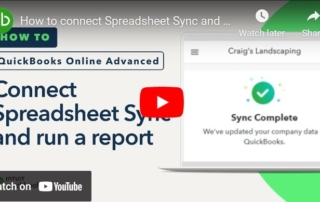
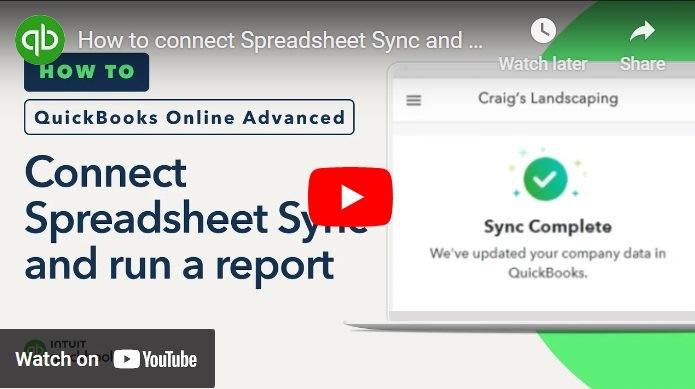
How to Connect Spreadsheet Sync and Run a Report in QuickBooks Online Advanced

By using QuickBooks Online Advanced and Spreadsheet Sync, you have the ability to view your company's data in Excel, allowing you to create customized reports, track your business's progress, and make changes or updates to transactions and other information. This video goes over how to access Spreadsheet Sync, use it to run reports with your QuickBooks [...]

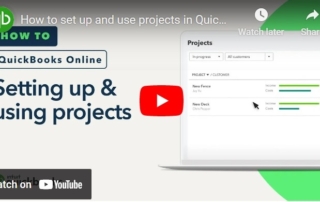
How to Set Up and Use Projects in QuickBooks Online

If you have QuickBooks Online Plus or Advanced, you can use Projects to track income, material costs, and labor expenses for specific projects. Once you've finished setting up your employees, you can assign their time to a project. Follow the helpful step-by-step instructions in this video to learn how to do these tasks and more.

Go to Top