QuickBooks Presents: The New Business Dilemma

As a new small business owner, you quickly realize that there’s a big difference between running your own business and running a business on your own. That’s where QuickBooks comes in, providing you with the tools you’ll need to confidently manage your business from day one. New business? No problem.
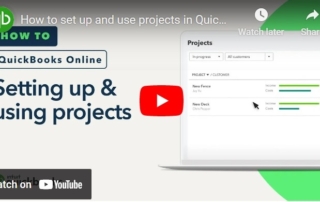

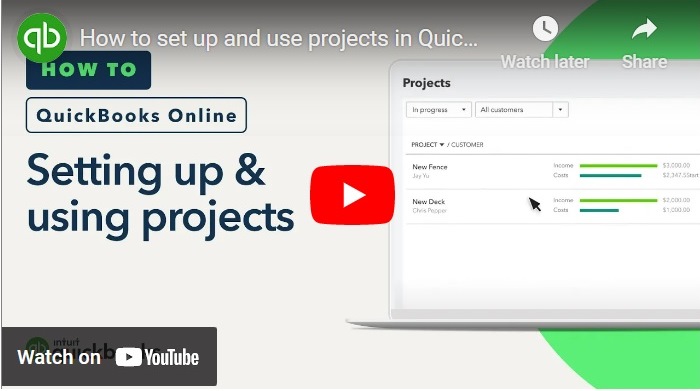
How to Set Up and Use Projects in QuickBooks Online

If you have QuickBooks Online Plus or Advanced, you can use Projects to track income, material costs, and labor expenses for specific projects. Once you've finished setting up your employees, you can assign their time to a project. Follow the helpful step-by-step instructions in this video to learn how to do these tasks and more.

Understanding deferred tax assets and liabilities

Deferred tax assets and liabilities may be terms you’ve seen added by your accountant to your small business balance sheet. They are financial items on a company’s balance sheet that exist because the income on the tax return is different than the income in the accounting records. Learn how to evaluate, make sense of, and take [...]

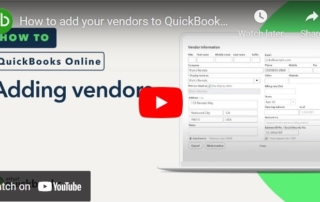
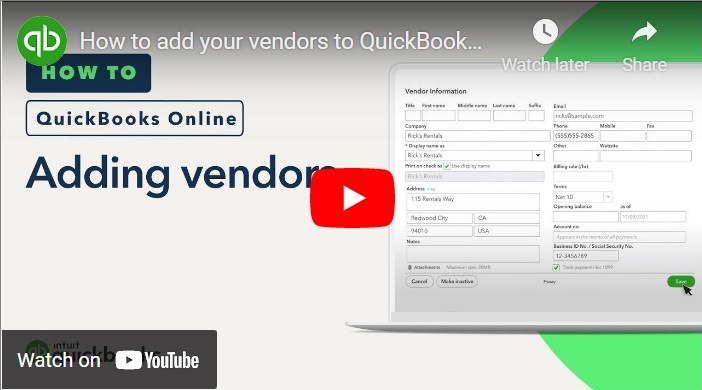
How to Add Your Vendors to QuickBooks Online

You can easily keep track of who your business owes money to by adding your vendors to QuickBooks Online. You can add them one at a time or in bulk from a spreadsheet. Follow this video tutorial to learn the steps to take.

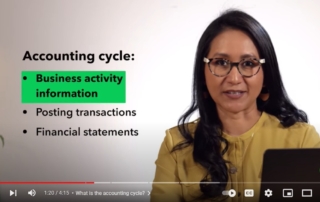
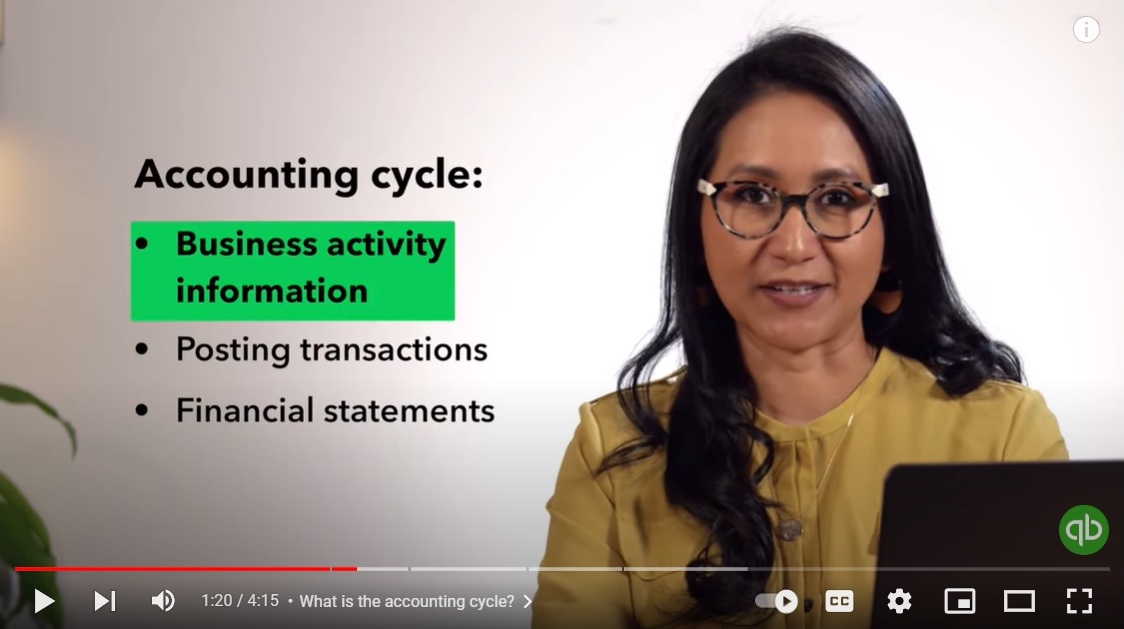
A Step-by-Step Guide to the Accounting Cycle

The accounting cycle, also known as the bookkeeping cycle, helps create accurate accounting data that’s crucial to running your small business. It essentially ensures that all the money passing through your business is accounted for. Learn more about why the accounting cycle is important, how to use the accounting cycle, and what the stages in the [...]

Go to Top